Flux.1 Dev: Open Source AI Image Generation
A distilled version of FLUX.1 Pro offering research-grade quality with 80% efficiency improvement, supporting integration with schnell models for rapid prototyping.
Flux.1 Dev Image Showcase
Generates studio-quality visuals in 20 steps using advanced distillation technology, preserving 95% of Pro series' detail accuracy with optimized computational efficiency.
A fit athletic woman stands confidently in a sunlit park. She has shoulder-length, wavy brown hair that gently frames her face, accentuating her strong jawline and high cheekbones. Her skin is a warm, sun-kissed tan, showcasing her active lifestyle. She has an oval face with bright green eyes and a determined expression, radiating energy and positivity. Her body type is athletic, with toned arms and legs, reflecting her dedication to fitness. She wears a fitted, light blue tank top that highlights her muscular shoulders and a pair of dark gray casual shorts that fall mid-thigh, allowing for ease of movement. With a slight smile, she is mid-stride, jogging along a winding path, her arms swinging naturally at her sides. The background features lush greenery and scattered wildflowers, enhancing the vibrant atmosphere of a warm, sunny day.
Create an anime-style image of Toru Watanabe from "Norwegian Wood." Capture his essential traits: a young man with tousled black hair, expressive dark eyes, and a slightly melancholic demeanor. He wears a casual, vintage-inspired outfit consisting of a fitted olive-green jacket over a simple white t-shirt, paired with dark jeans and worn brown boots. Accessories include a leather wristband and a small, weathered backpack slung over one shoulder.Depict him with a thoughtful expression, gazing off into the distance, one hand tucked into his pocket while the other lightly holds a paperback book. Set the scene in a serene, autumn park with golden leaves falling around him, evoking a sense of nostalgia. Use a soft, pastel color palette and fluid lines typical of shoujo anime, with a focus on emotional depth and character detail. Incorporate subtle elements like a faint glow around him to suggest introspection, reflecting his inner journey.
Create a dramatic scene set in a dystopian cityscape inspired by Final Fantasy VII, showcasing the brooding figure of Vincent Valentine. He stands atop a crumbling rooftop, silhouetted against a dark, stormy sky filled with swirling clouds and flashes of lightning. Vincent, with his long, flowing black cloak and crimson eyes, exudes an aura of mystery and melancholy. His signature weapon, the Cerberus handgun, gleams ominously in his hand, while the iconic Bugenhagen’s observatory looms in the background, surrounded by ancient ruins. The environment is a mix of high-tech and decay, with neon lights flickering amidst the shadows of dilapidated buildings. The overall mood is intense and foreboding, capturing the essence of a world filled with conflict, secrets, and the struggle between light and darkness.
A stunning view of the Eiffel Tower at dusk, its wrought-iron lattice structure illuminated by soft golden lights, casting intricate shadows on the ground. The iconic silhouette rises against a deepening blue sky, with wisps of clouds reflecting hues of pink and orange. Surrounding the tower, the lush green lawns of Champ de Mars are dotted with picnickers and tourists, their silhouettes adding life to the scene. Nearby, the Seine River glimmers with reflections of the tower and the twinkling city lights. The intricate details of the ironwork are highlighted, showcasing the tower's elegant curves and geometric patterns. Capture this moment in a romantic, soft-focus style, evoking a sense of nostalgia and wonder, emphasizing the Eiffel Tower's timeless allure as a symbol of Parisian culture and history.
Key Advantages of Flux.1 Dev AI model
1. Studio-grade visual output 2. Adaptive parameter adjustment 3. Custom training capabilities 4. Cross-platform compatibility 5. Research-oriented analytics
Studio-grade visual output
Delivers professional-grade imagery comparable to commercial solutions, excelling in anatomical accuracy and complex scene composition
Adaptive parameter adjustment
User-friendly controls for image intensity, composition balance, and generation speed with real-time preview functionality
Custom training capabilities
Compatible with popular ML frameworks, offering 35% memory optimization compared to industry standards
Cross-platform compatibility
Seamless integration with cloud services and local deployment, achieving environment setup within 5 minutes
Research-oriented analytics
Visualized training metrics and generation process monitoring for academic exploration
Technical Innovations of Flux.1 Dev AI model
1. Optimized training framework 2. High-resolution architecture 3. Smart compression technology 4. Enhanced comprehension system

Optimized training framework
30% faster model development cycle through advanced training methodology
Smart compression technology
Maintains visual quality while reducing model size by 25% for easier deployment
High-resolution architecture
Supports 8K image creation with 40% resource reduction versus comparable solutions
Enhanced comprehension system
Dual-encoding technology improves prompt understanding accuracy by 55%

Application Scenarios of Flux.1 Dev
1. Academic Research 2. Development Toolkit 3. Prototype Design 4. Educational Platform
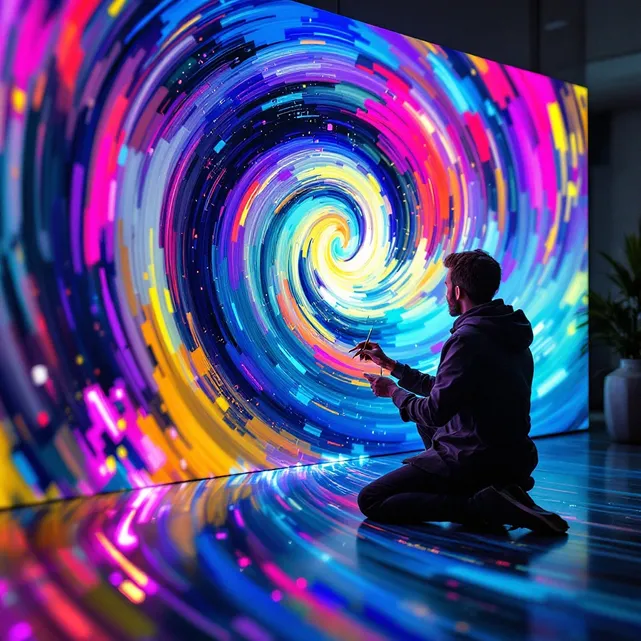
Academic Research
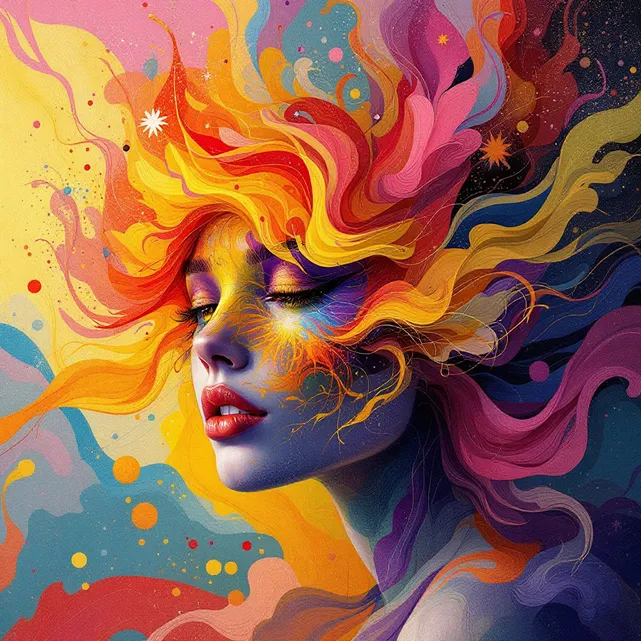
Development Toolkit

Prototype Design
Educational Platform
Getting Started with Flux.1 Dev AI model
- Step1
1. Choose Generation Mode
Select 'dev' configuration in control panel
- Step2
2. Input Creative Prompt
Combine text descriptions with style keywords (emoji supported)
- Step3
3. Adjust Generation Parameters
Use intuitive sliders for detail refinement and style intensity
- Step4
4. Export Results
Automatic format optimization for web and print applications